Build My World is…
- A way to explore real geography through play
- A family activity led by curiosity, not a test
- A local tool that uses open map and terrain information
- A starting point for questions, comparison and creative building
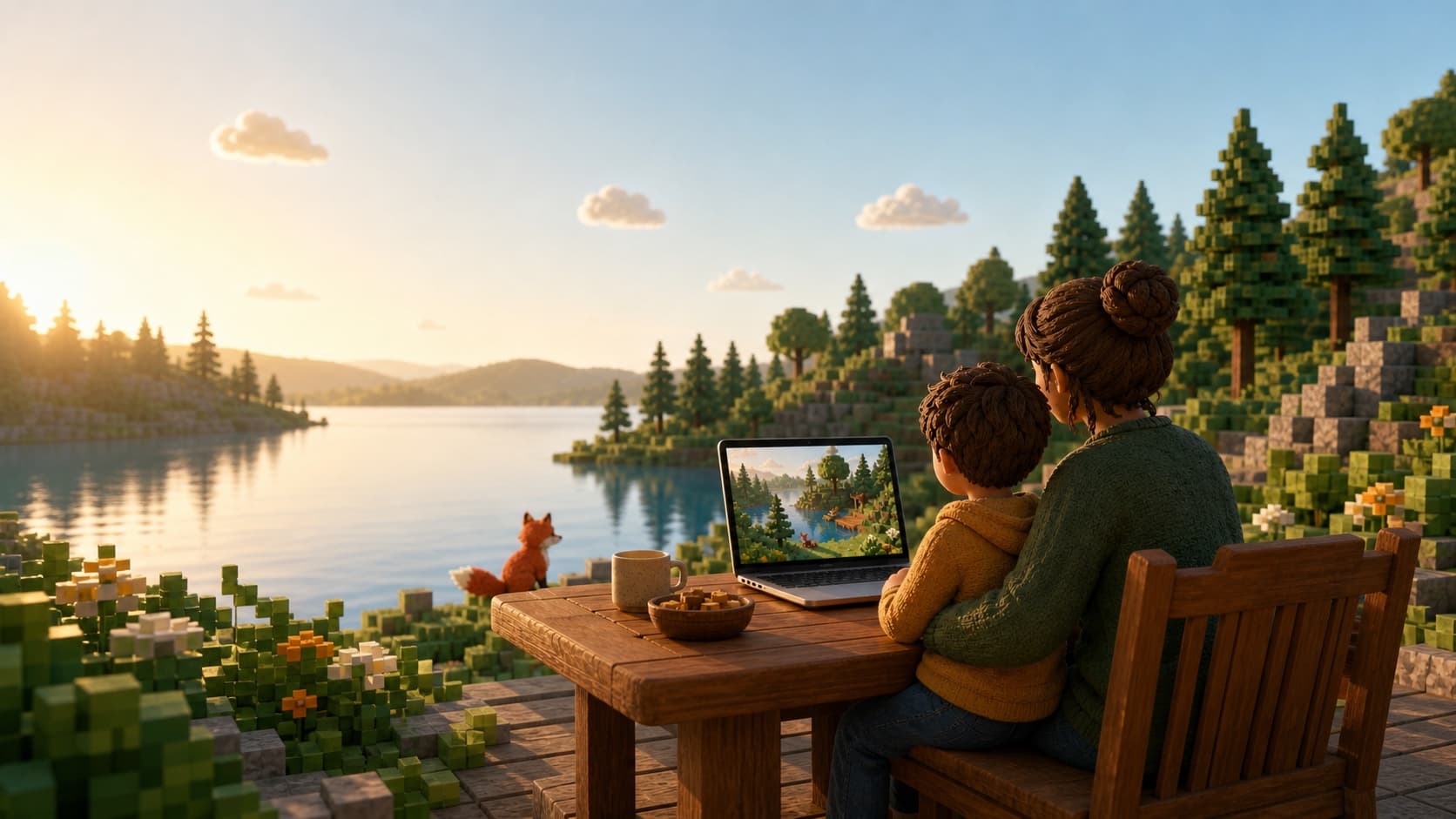
Build My World turns the geography of one small real place into a Minecraft starter world. Children can follow its roads and water, compare it with the map, notice what has been simplified, then build their own ideas into the landscape.
On this page
Follow the story from top to bottom, or jump to the part your family needs.
What is it?
Instead of only reading a map, a child can move through an interpretation of the place at ground level. Roads, water, terrain and building outlines provide the recognisable geography; Minecraft gives the child room to investigate and create.
The family journey
The adult handles setup. The child chooses, notices, explores and creates. Start small so the first experience feels easy.
Check the family computer, make sure Minecraft is installed and open the Fox by the Lake helper when the pilot download is ready.
Pick one focused area: a few streets, a bend in a river, part of a coastline or a landmark connected to a lesson or family story.
Preview the shape first, then use the recommended family recipe. The helper uses the computer’s own processor and memory; a small first world normally takes about 15–30 minutes.
Open the world in Minecraft. Find a recognisable route or landmark, compare what is accurate or simplified, then build one change for people, wildlife or your own story.
What is actually happening?
There is no map screenshot hidden inside Minecraft. The helper combines detailed terrain with open information about roads, water and buildings, then translates it into blocks. It preserves the geography, but it does not recreate every facade or room.
1 · Open geography
The selected area is described using open map and landscape data. Automatic GPS is not used.
2 · Your computer
The local helper uses your CPU and RAM to build an explorable interpretation of the place.
3 · Minecraft world
Open a Java world on a computer or move a Bedrock .mcworld file to a compatible device.
Geography through play
The world is a prompt for observation and conversation. There is no score and no single right way to explore it.
Notice hills, shorelines, rivers, valleys and how the shape of land affects a journey.
“Why might the road bend here?”
Look at where people placed homes, bridges, paths and services in relation to land and water.
“Why did people build in this spot?”
Compare the 2D map with a place seen at ground level and learn that models simplify the real world.
“What feels different from the map?”
Ask questions, research what is missing and redesign the place for wildlife, people or a future community.
“What would you change, and why?”
Example first adventure
Choose only a few nearby streets or a small part of a local park. Walk the Minecraft version together, then compare it with a paper or online map.
Creative exploration may feel reassuring or confidence-building for some children, but Build My World is a learning activity, not clinical care.
Why Fox by the Lake?
Fox by the Lake is about helping children feel safe enough to be curious. Technology has a purpose here: it opens a door into the wider world and creates something a child and trusted adult can explore together.
The child can begin with a place that already matters to them and follow the questions that naturally appear.
Use a small area, remove time pressure and pause whenever needed. The experience can be returned to another day.
Minecraft becomes a springboard for maps, family stories, local walks, research and conversations — not screen time for its own sake.
The adult uses their existing Fox by the Lake account. Children do not need an email, password or public profile.
Where can we play?
The first pilot keeps the heavy world-building work on a Mac or Windows computer. The finished world can then travel to other Bedrock devices.
This is where the family helper generates the world. Computers can also open the finished Java or Bedrock version.
AirDrop or save the finished .mcworld file in Files, tap it and choose Minecraft. Minecraft imports it automatically; the world then appears under Play → Worlds. There is no separate upload button inside Minecraft.
Import the Bedrock world on mobile, tablet or Windows, upload it to a Realm, then open that Realm on Xbox.
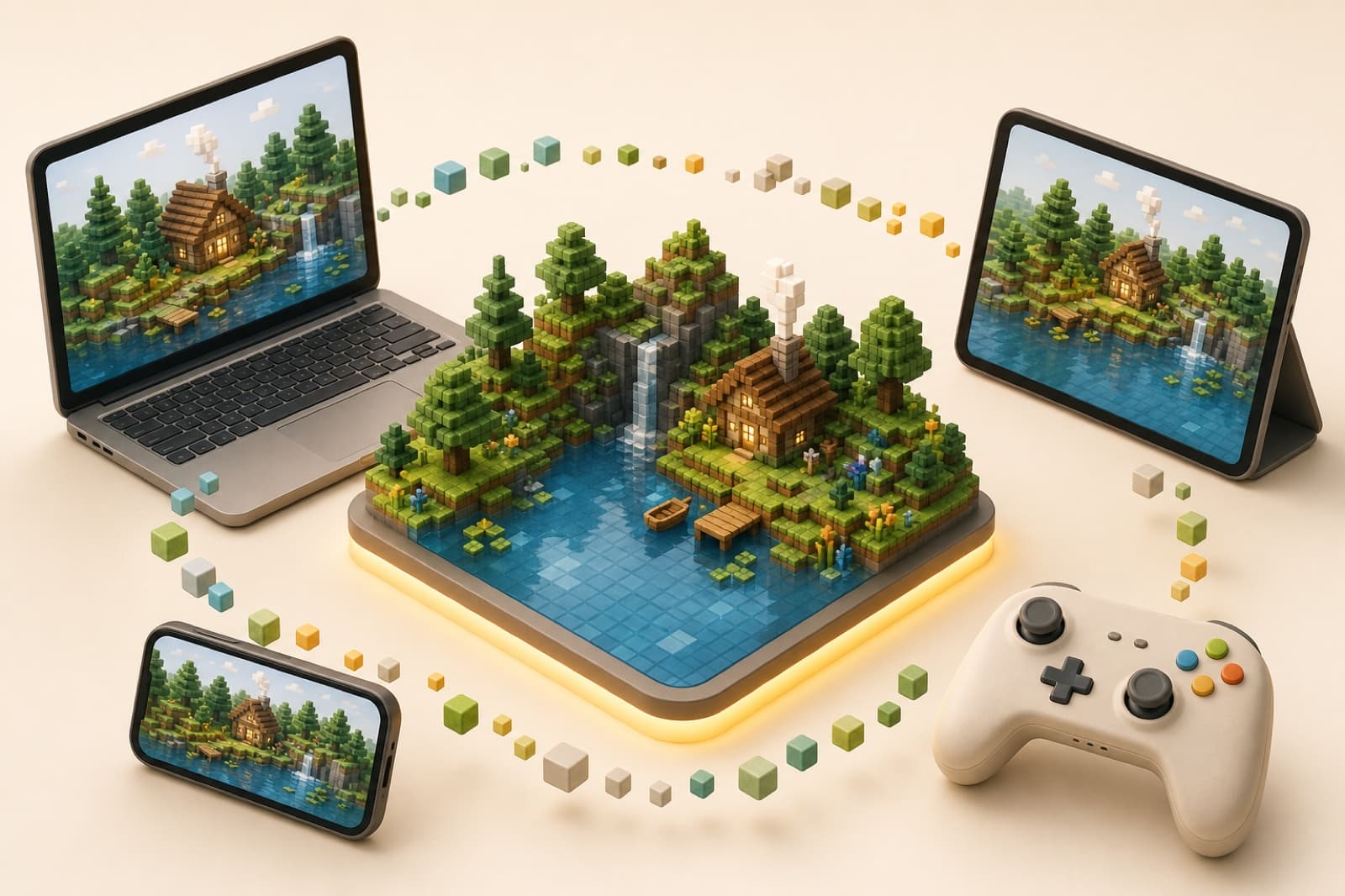
The local pilot avoids a world-generation server fee. Minecraft must already be owned; the Xbox route normally needs a separate Realms subscription.
Your first session
Keep the first world deliberately small. Success is not finishing a lesson — it is noticing one interesting thing and wanting to explore again.
A familiar place often feels easier than a huge or unknown city.
Aim for 0.35 km² or less: a few streets, one landmark or part of a lake is plenty for the first world.
Walk, look and let the child decide what deserves attention.
Save a thought for the next visit: something to research, compare or build.
Build My World is an independent Fox by the Lake learning activity. It is not an official Minecraft product and is not approved by or associated with Mojang or Microsoft.